

How it works
- 1
Add your material.
Lecture PDFs, slides, Word files, photos of notes, YouTube links or notes you paste.
- 2
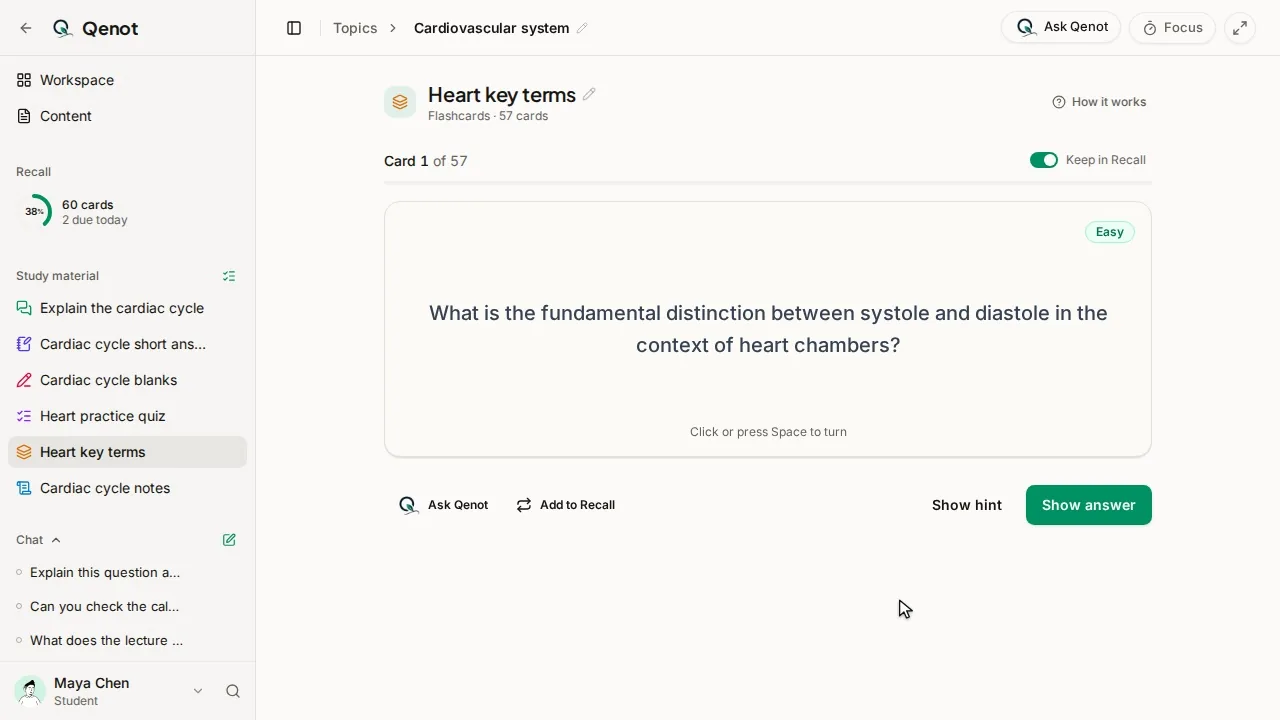
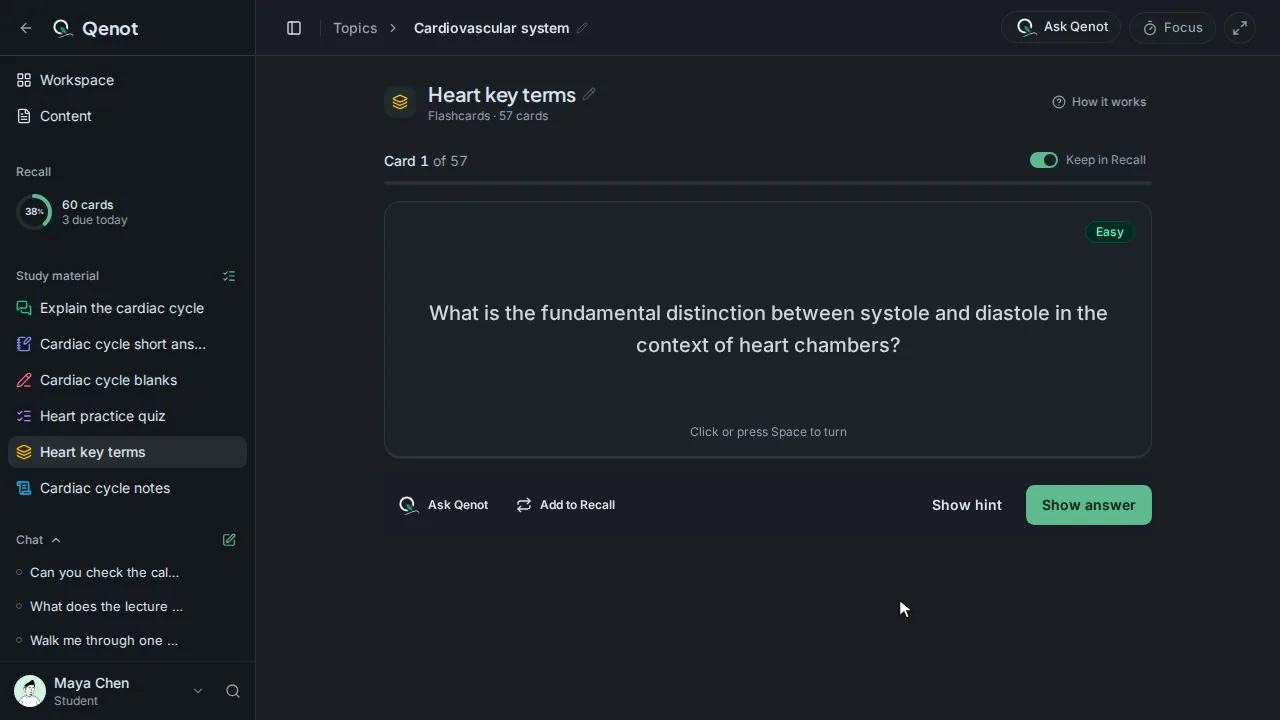
Choose Flashcards.
Pick how many, the difficulty, what to focus on, and which sources to use.
- 3
Study them.
Turn a card over, then mark it Got it or Review again.
- 4
Keep them.
Recall brings each card back just before you'd forget it. How Recall works
Good to know
- Tick only this week's lecture to make a set for just that week.
- Add instructions, like "definitions only" or "focus on the formulas".
- The same material makes quizzes, fill-in-the-blank, written tests and teach-back too.
Common questions
Are the cards accurate?
They're made from your own material, and each links back to where it came from, so you can check any card against its source.
Can I make cards in another language?
Yes. Choose the language when you make a set, or set a default in Settings.
Is it free?
You can start free with no card: past exams, study sets, chat and teach-back for up to 5 topics and 5 courses, with Recall and the focus timer unlimited.