
How it works
- 1
Paste the link.
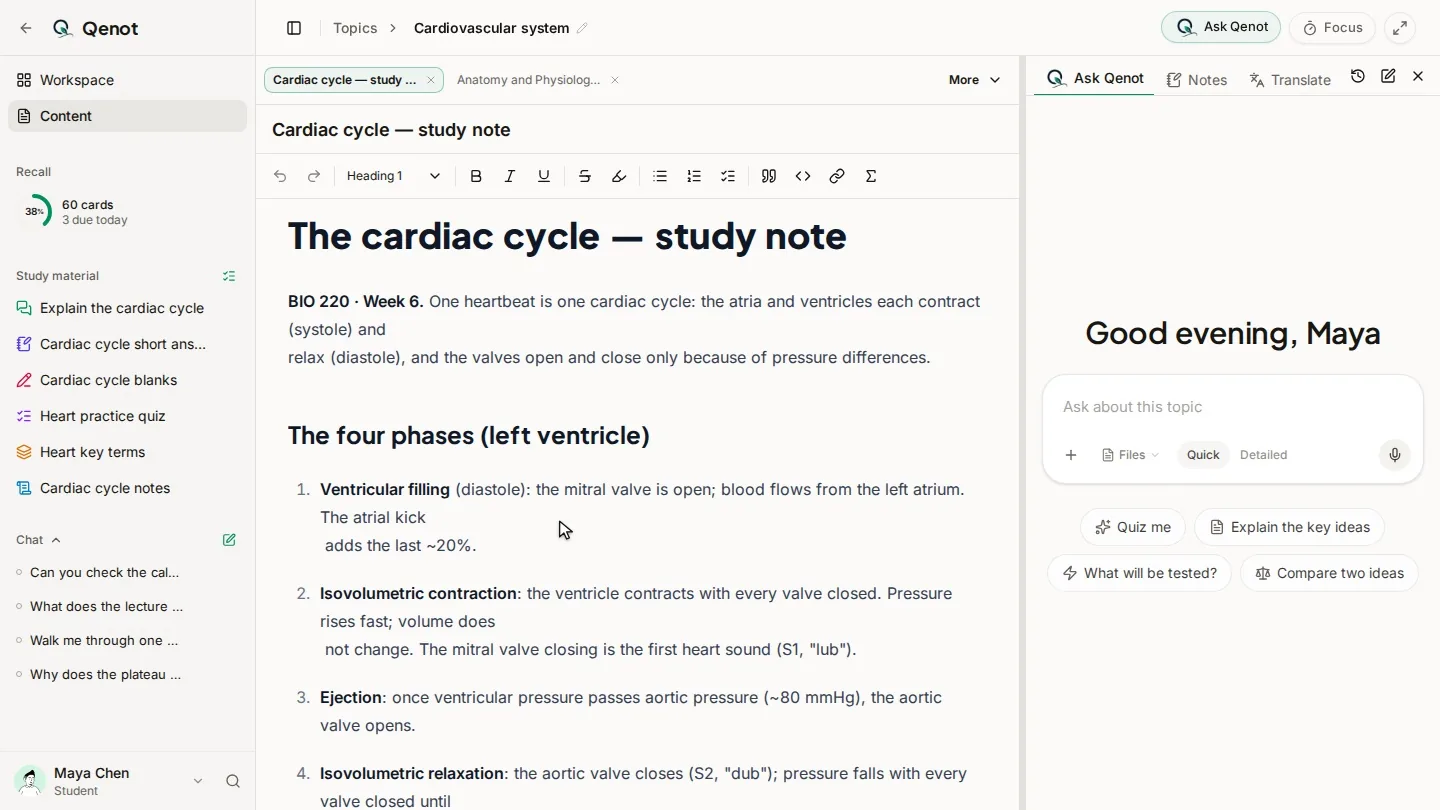
In a topic, beside your slides and readings.
- 2
Watch with the transcript.
It follows the video, and you can search it. Reopen the video and it picks up where you stopped.
- 3
Ask about it.
An answer that cites the video has Play from here: the video plays from that moment.
- 4
Practice it.
Notes, flashcards and quizzes from the lecture, with your other sources.
Common questions
Which videos work?
Qenot reads a video's transcript, so it needs one. Most lectures on YouTube have captions.
Can I mix videos with my slides and PDFs?
Yes. A topic can hold all of them, and answers and study material draw on every source you tick.
Is it free?
You can start free with no card: past exams, study sets, chat and teach-back for up to 5 topics and 5 courses, with Recall and the focus timer unlimited.