How it works
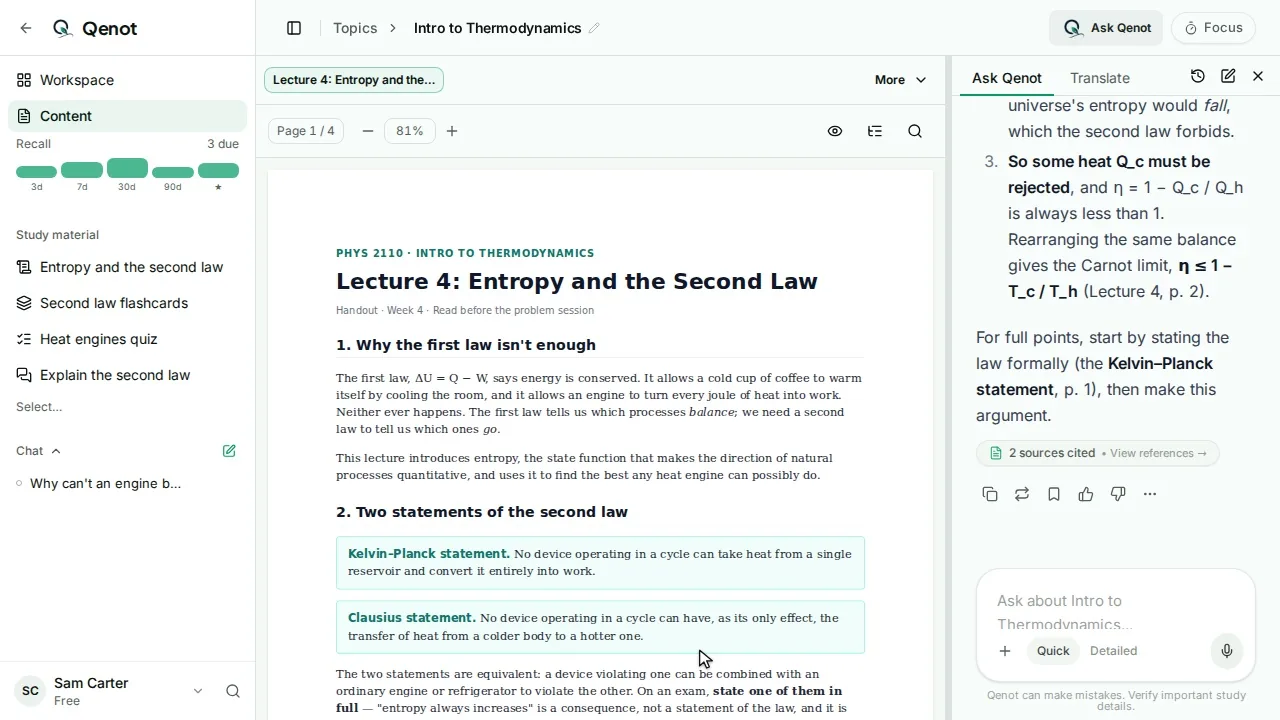
- Highlight a line as you read, and ask about it in the panel beside the page.
- Each answer lists its sources. Open one and the reader jumps to the page with the passage marked.
- Answers can draw diagrams, like a flowchart of a process, that you can copy or download.
- Choose Quick for a short answer or Detailed for a thorough one.
Your files, or what Qenot knows
Ask from your files to stay with your course, or switch to General for anything else; it searches the web when it needs to. Asking Qenot
Common questions
Which files can I ask about?
PDFs, slides, Word documents, photos and scans, web pages, notes you type, and YouTube videos.
Can I ask across a whole course?
Yes. Ask in a topic for that topic's sources, or in a course for every topic in it.
Is it free?
You can start free with no card: past exams, study sets, chat and teach-back for up to 5 topics and 5 courses, with Recall and the focus timer unlimited.