How it works
- 1
Add the exam.
A PDF or a photo, with its answer key if you have one.
- 2
Read the model answers.
Qenot writes them from the answer key, or from your course's material.
- 3
Sit it on the clock.
Like the real exam, or keep writing past the time. Photograph handwritten answers with your phone.
- 4
Fix what lost points.
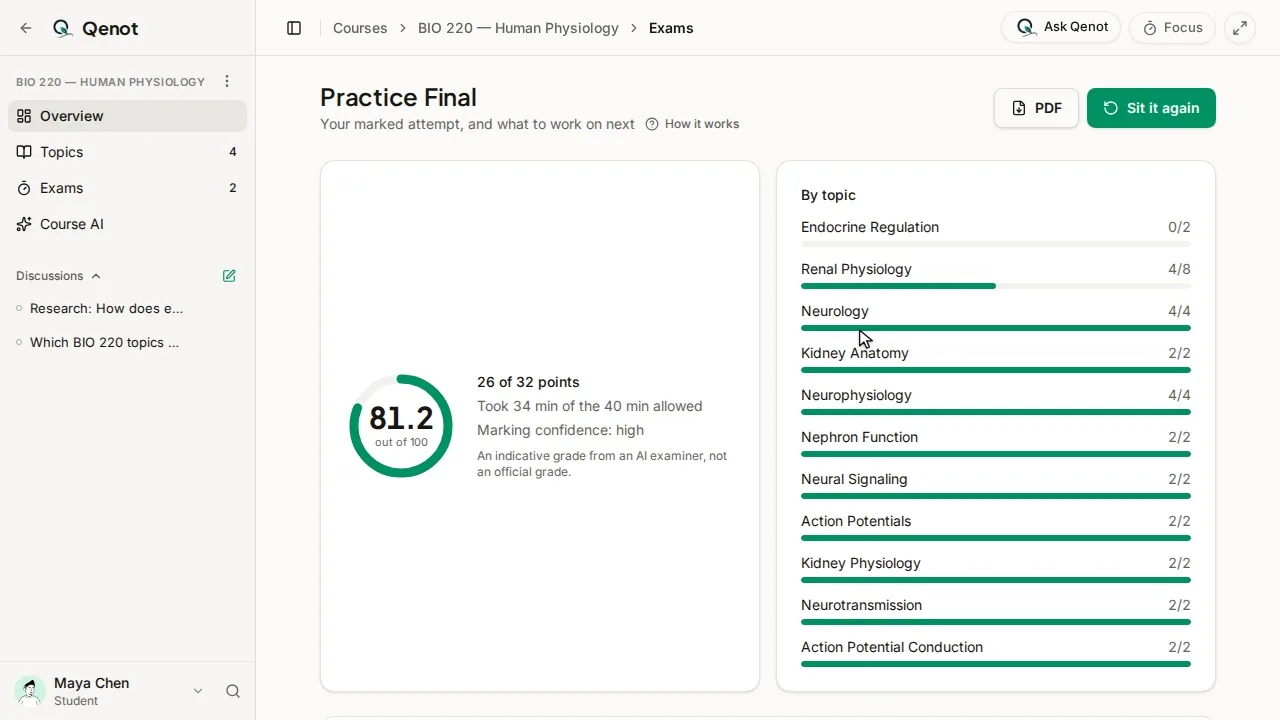
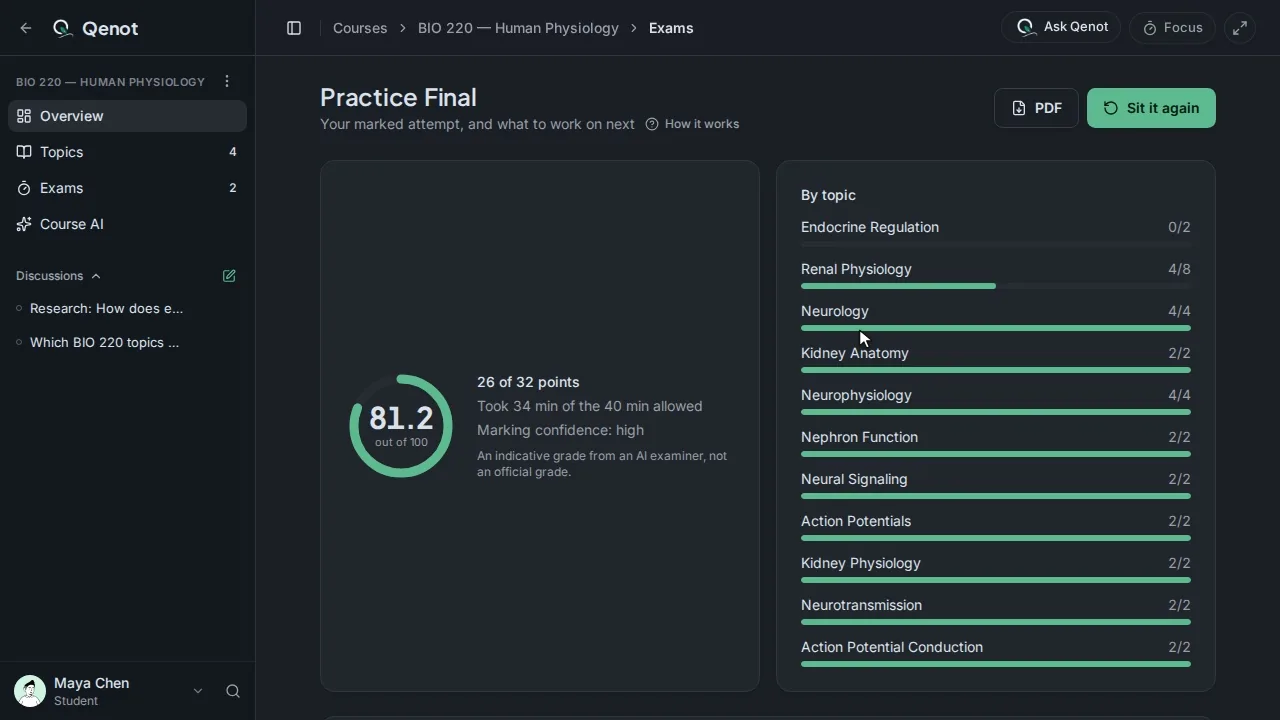
Your score, the topics to work on, and the reason for every point. See a marked report
Common questions
How accurate is the marking?
It marks against a scheme and shows the reason for every point beside a model answer, so you can judge it yourself. It's study guidance, not an official grade.
What kinds of exams work?
Anything with written questions: short answers, long answers, calculations and multiple choice, as a PDF or a photo.
Where do I get past exams?
From your course site, your department, your professor or a study group. Upload only exams you're allowed to use.
Is it free?
You can start free with no card: past exams, study sets, chat and teach-back for up to 5 topics and 5 courses, with Recall and the focus timer unlimited.